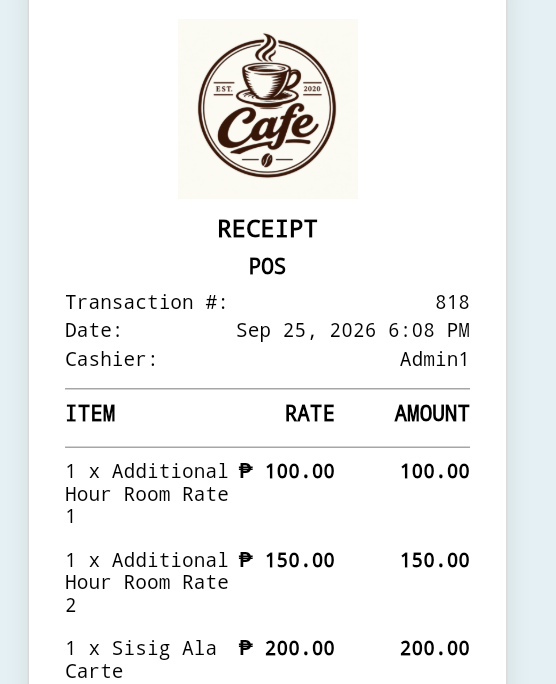
You can now change the format of the date on your printed receipts. This is useful when you prefer a different date format from the default.
On the "Navigation Menu", click "Settings and Preferences", then select "General".
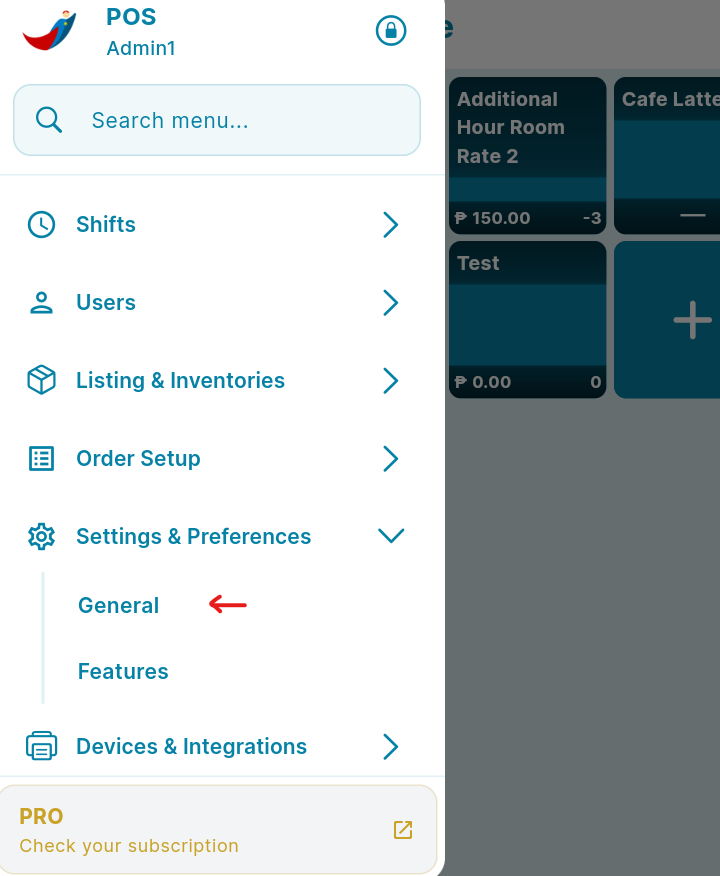
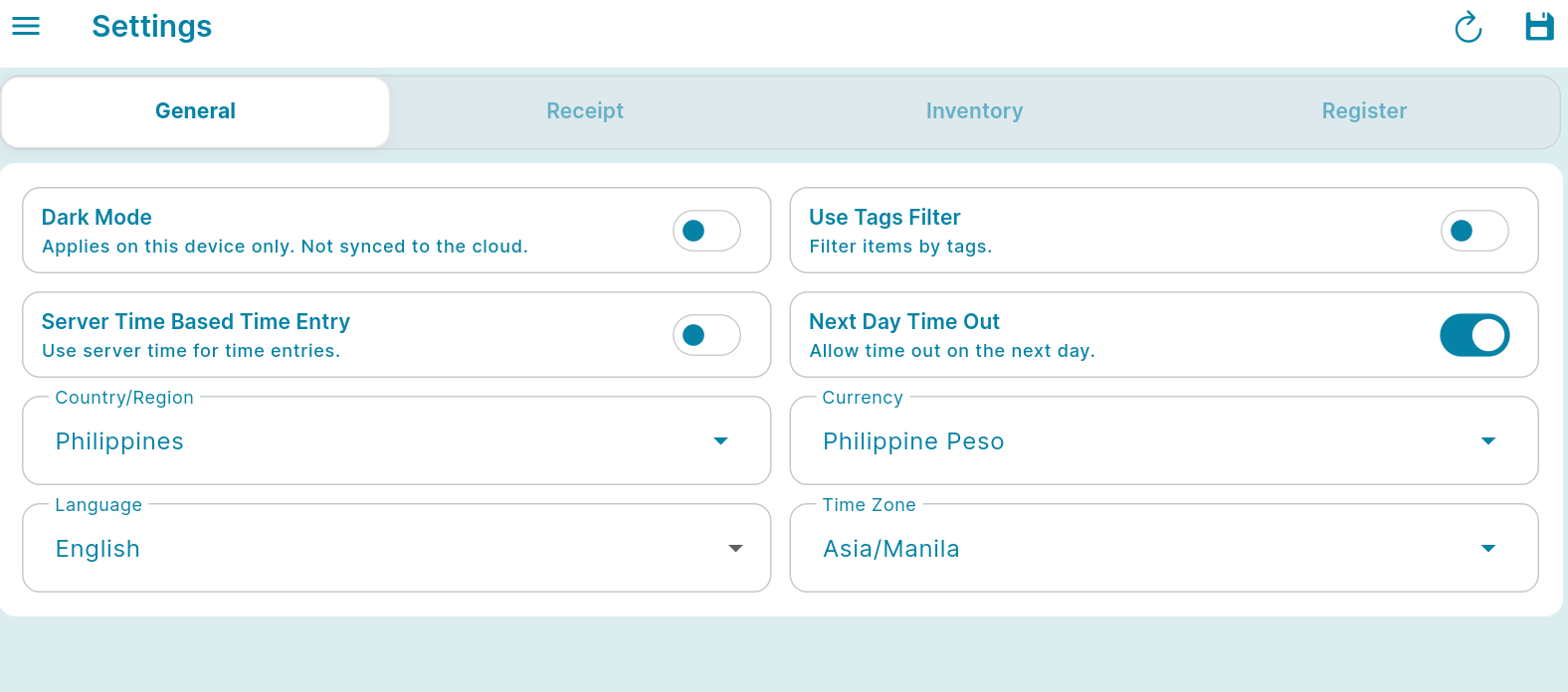
You can select "Language & Timezone Settings".
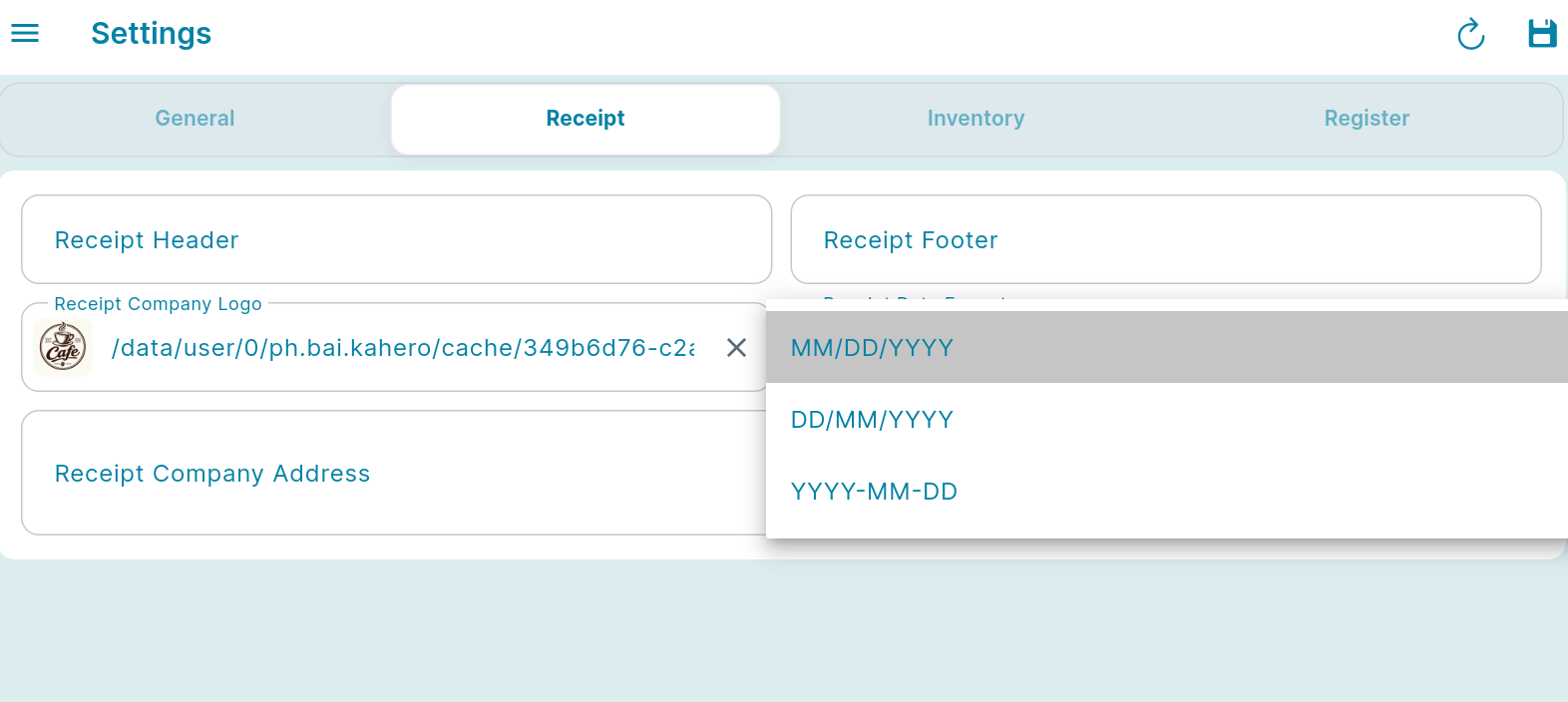
Click on the drop down beside "Receipt Date Format". Choose your desired format. After selecting your desired format, click "Save".
Create a transaction on the register. Then proceed to payment and receive your customer's payment.
The date on your printed receipts will display according to your desired format.