
Item Bundles allow you to assign sub-items, such as ingredients or a group of items, to a parent item that will be sold as a product. This feature helps you monitor and track inventory changes for the ingredients or sub-items included in the bundle.
Make sure you have already created the item bundle items under Listings > Items.
Creating Item Bundles
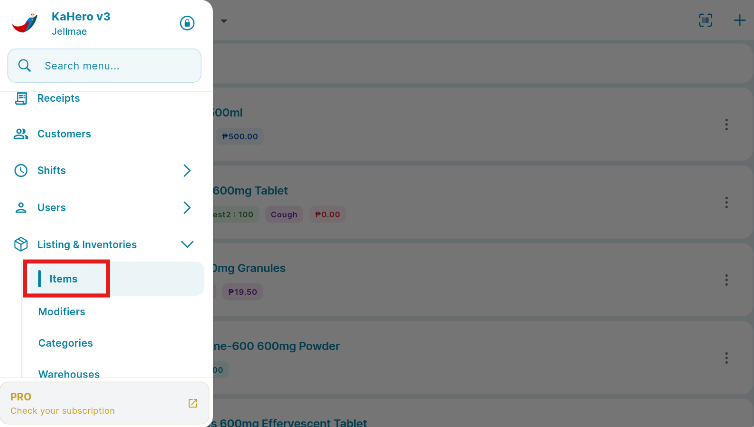
From the Navigation Menu, go to Listings, select ITEM and BUNDLES.
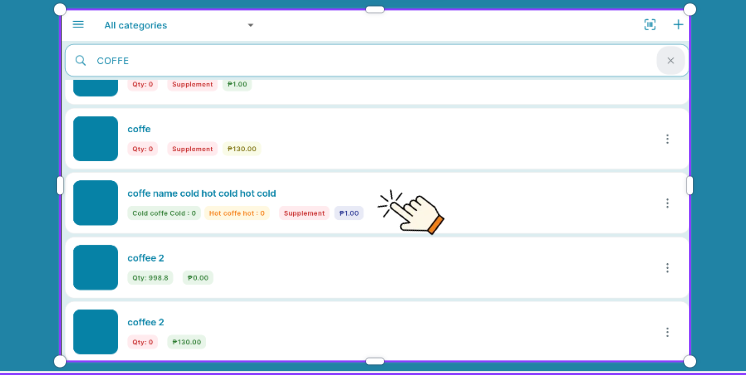
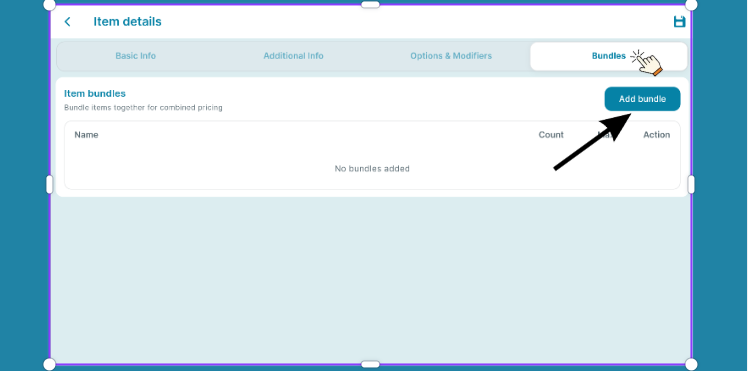
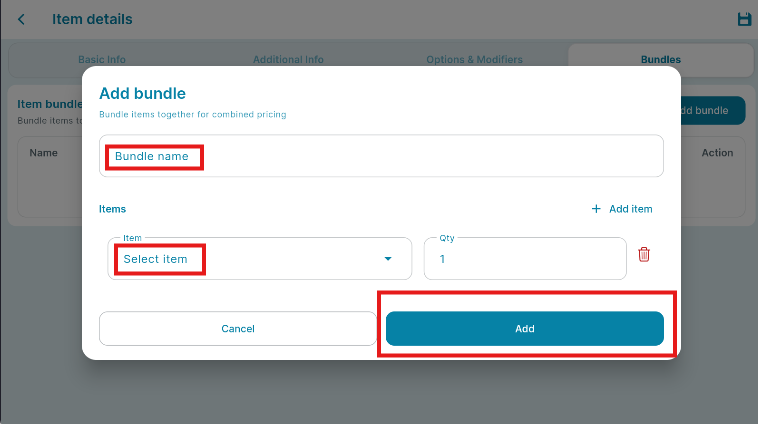
You can then enter the necessary Item Bundle details:
A. Enter a name for your Item Bundle.
B. Select the item that will contain the bundle items.
C. Select the quantity that you want to include in the Item Bundle.
Once all the details have been entered, click "ADD"
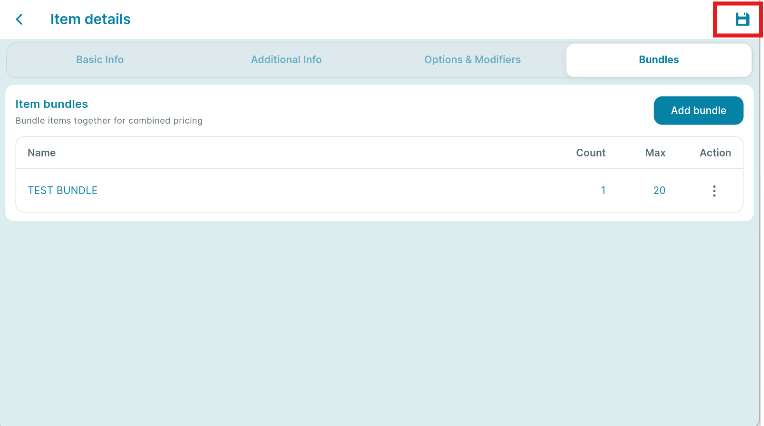
CLICK "SAVE".