The Item Tag section allows you to add and manage tags for your items, making it easier to organize, identify, and filter products in your inventory.
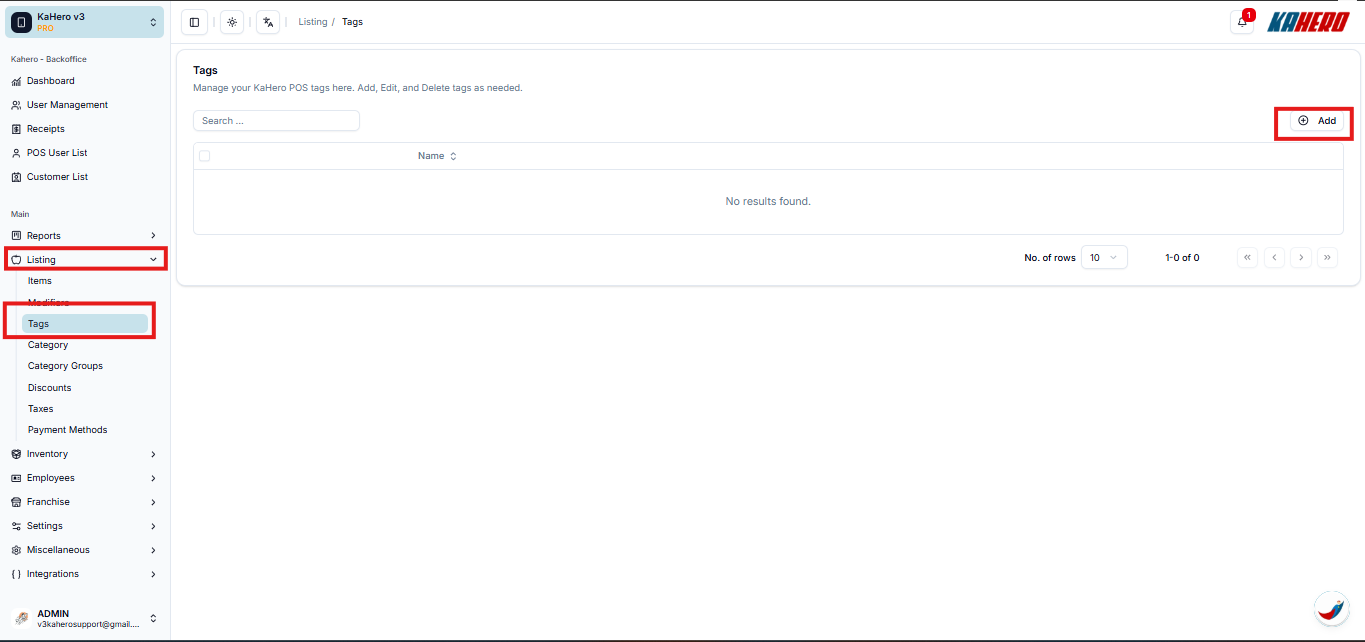
- Click Listing
- Click Add Item Tag.
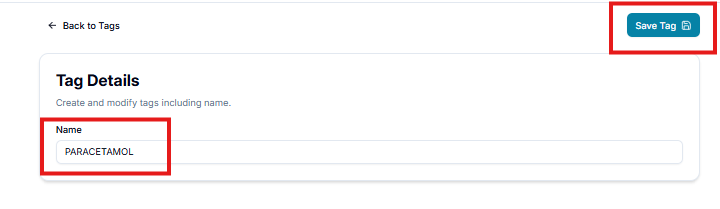
- Enter the name of the tag you want to create.
- Click Save to create the item tag.
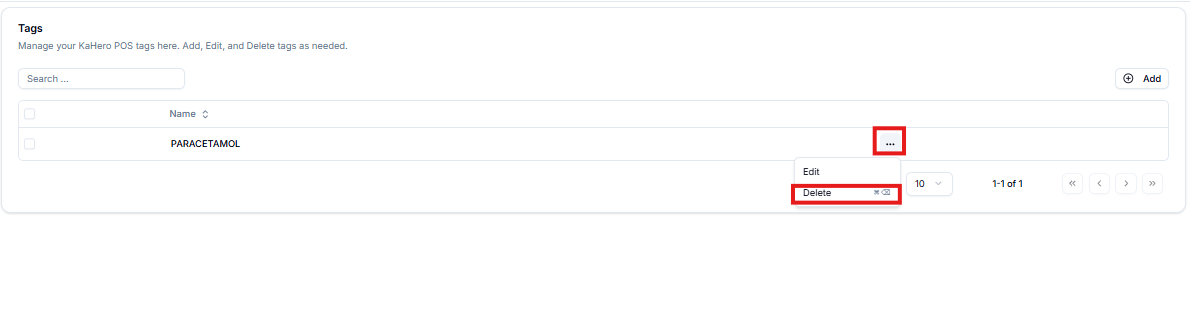
- To edit an existing tag, select the tag you want to update and make the necessary changes.
- To delete a tag, select the corresponding tag and click Delete.